

LIRA-CAD Generator
Generator is a modern tool for parametric modeling of buildings and structures of any shape. It works as a graphical algorithm editor that uses the modeling capabilities of LIRA-CAD.
A 3D Model with a Single Algorithm
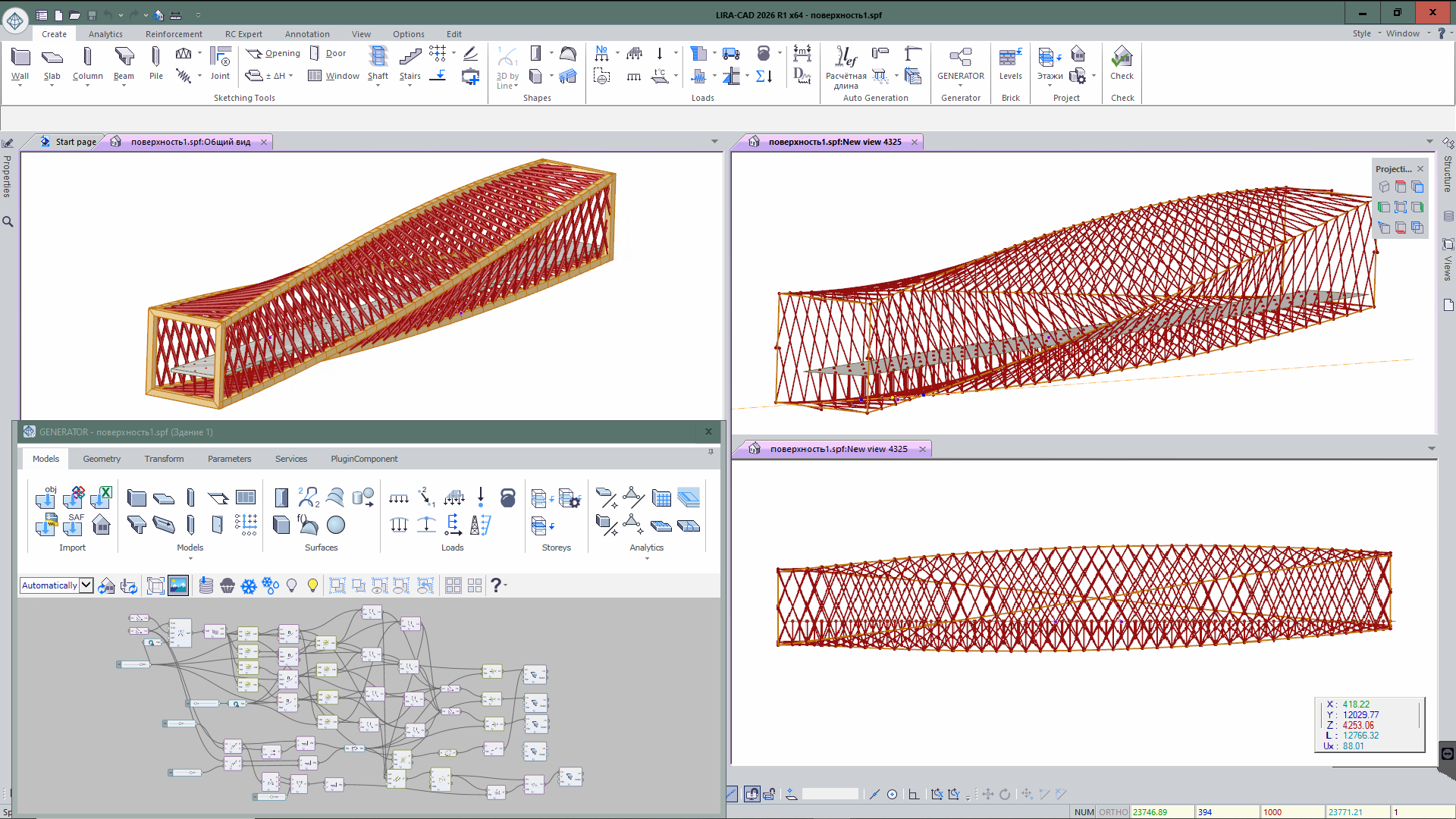
The result is a ready-made 3D model built from basic LIRA-CAD objects: columns, beams, walls, slabs, piles, trusses, surfaces, loads, boundary conditions, and other elements.
The combined work of Generator and LIRA-CAD provides precise parametric control over the model and lets you export it to LIRA-FEM for further calculations.
Visual Programming — Simple and Clear
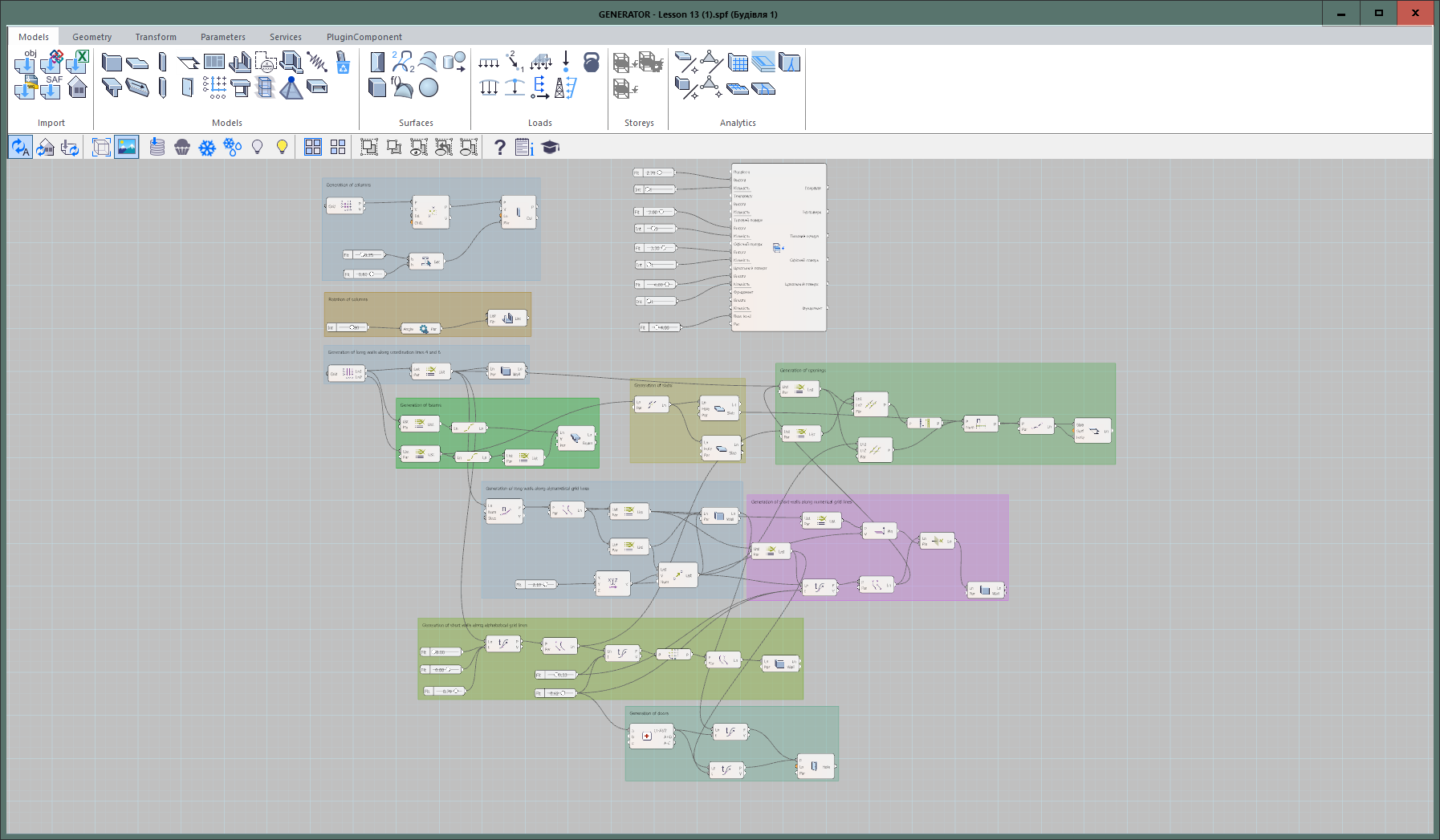
Generator is based on the principle of visual programming — instead of writing code, you build algorithms using graphical objects. There's no need to know programming languages: everything is built from nodes — rectangular blocks that can be connected to one another.
Nodes come in two types:
- data nodes — store information,
- action nodes — perform operations.
Links between nodes define the logic and sequence of steps.
Convenient Interface and Dynamic Workflow
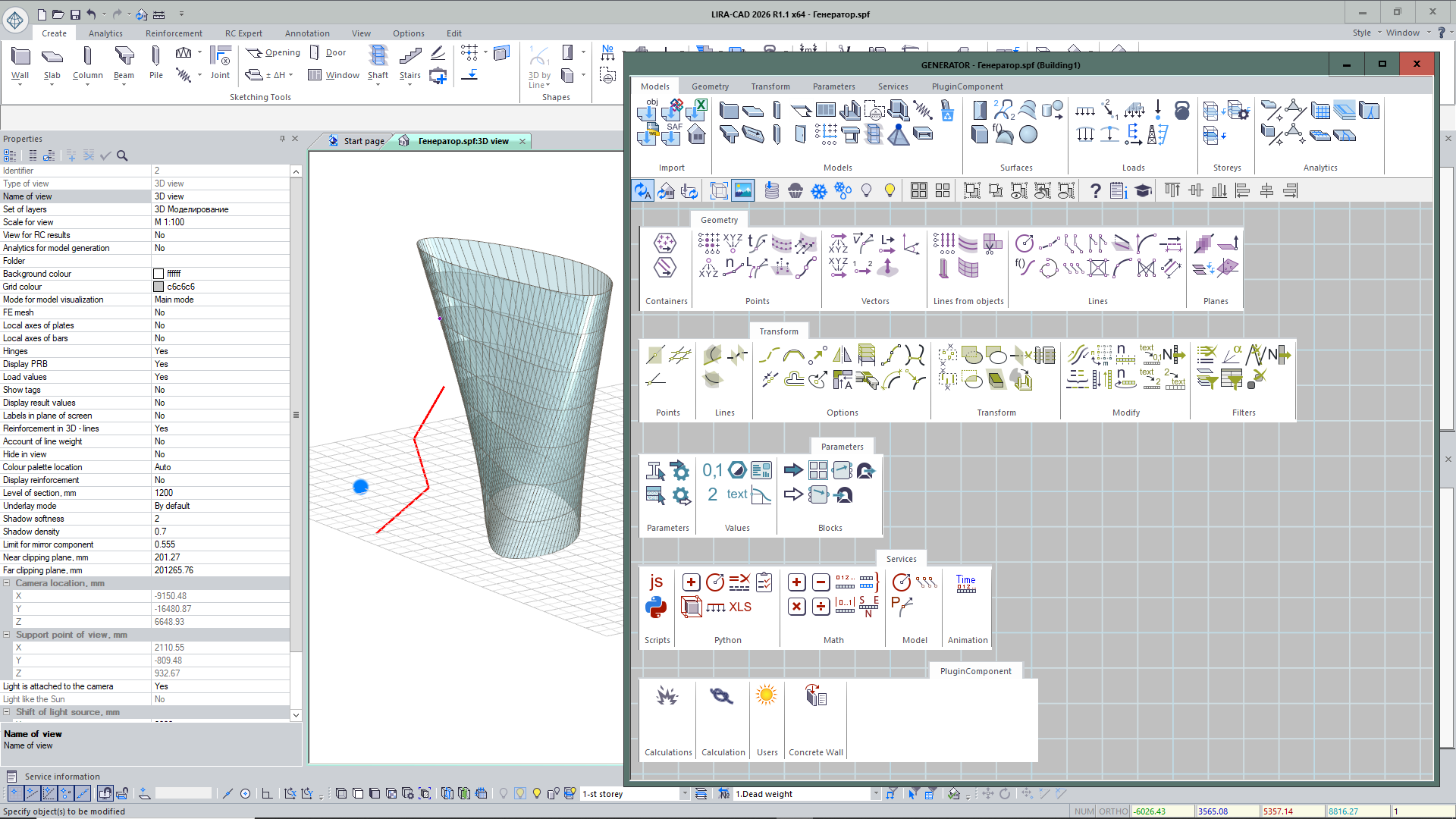
The Generator interface consists of a ribbon toolbar and a working canvas where algorithms are created. The node palette is divided into categories: model, geometry, transformations, parameters, utilities, and plugins. All created geometry is immediately displayed in the LIRA-CAD window, and points, lines, and surfaces can serve as source data.
BIM Integration with Other CAD Systems via Generator
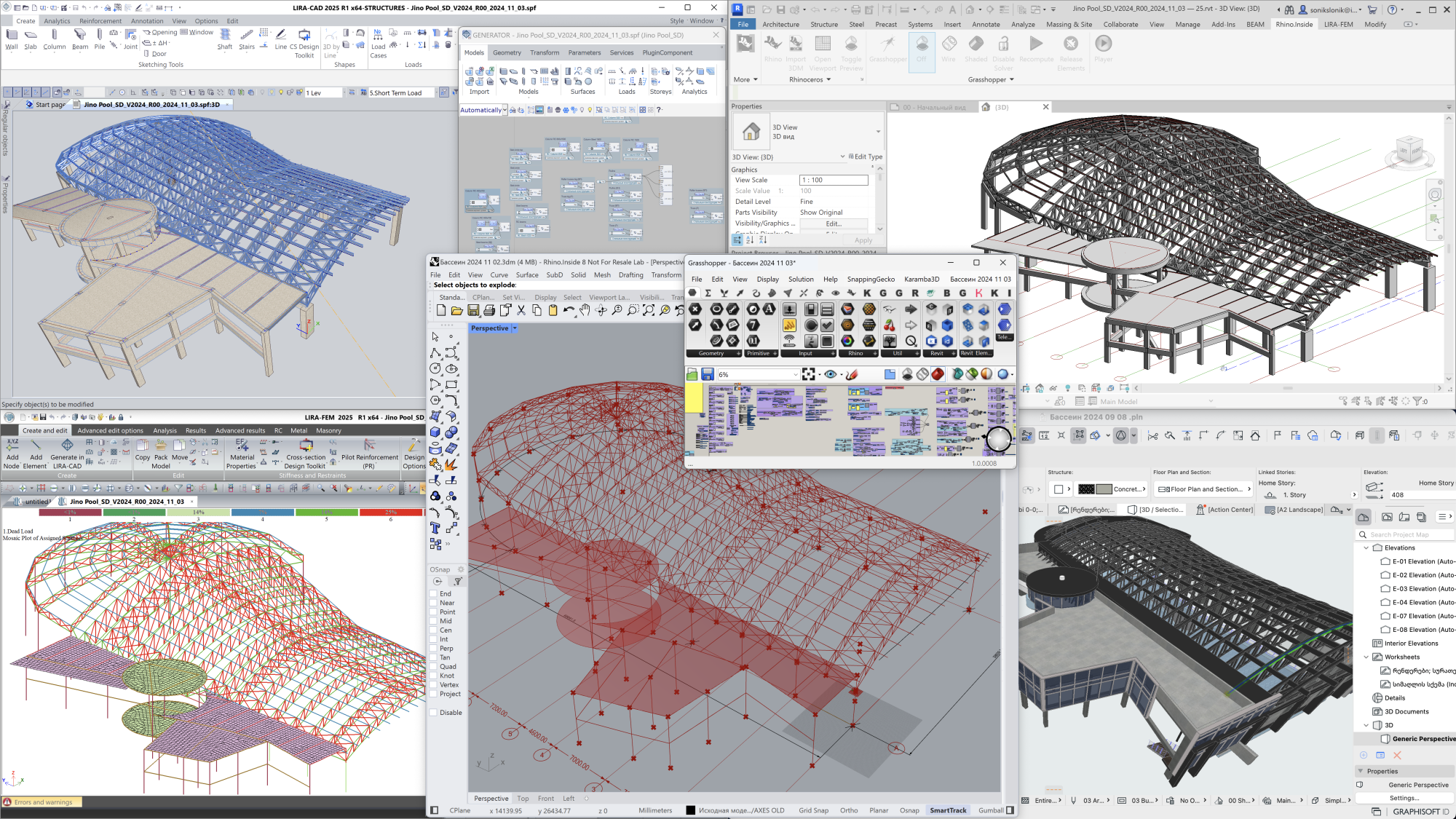
Generator can use data from other CAD systems through the following formats:
- 3D model of a building/structure in
*.ifcformat; - floor plans in
*.dwgor*.dxfformat; - analytical model in
*.SAFformat; - numerical data in
*.xlsformat; - 3D surfaces in
*.objformat.
If the source files change, the model in Generator updates automatically.
Saving Part of an Algorithm
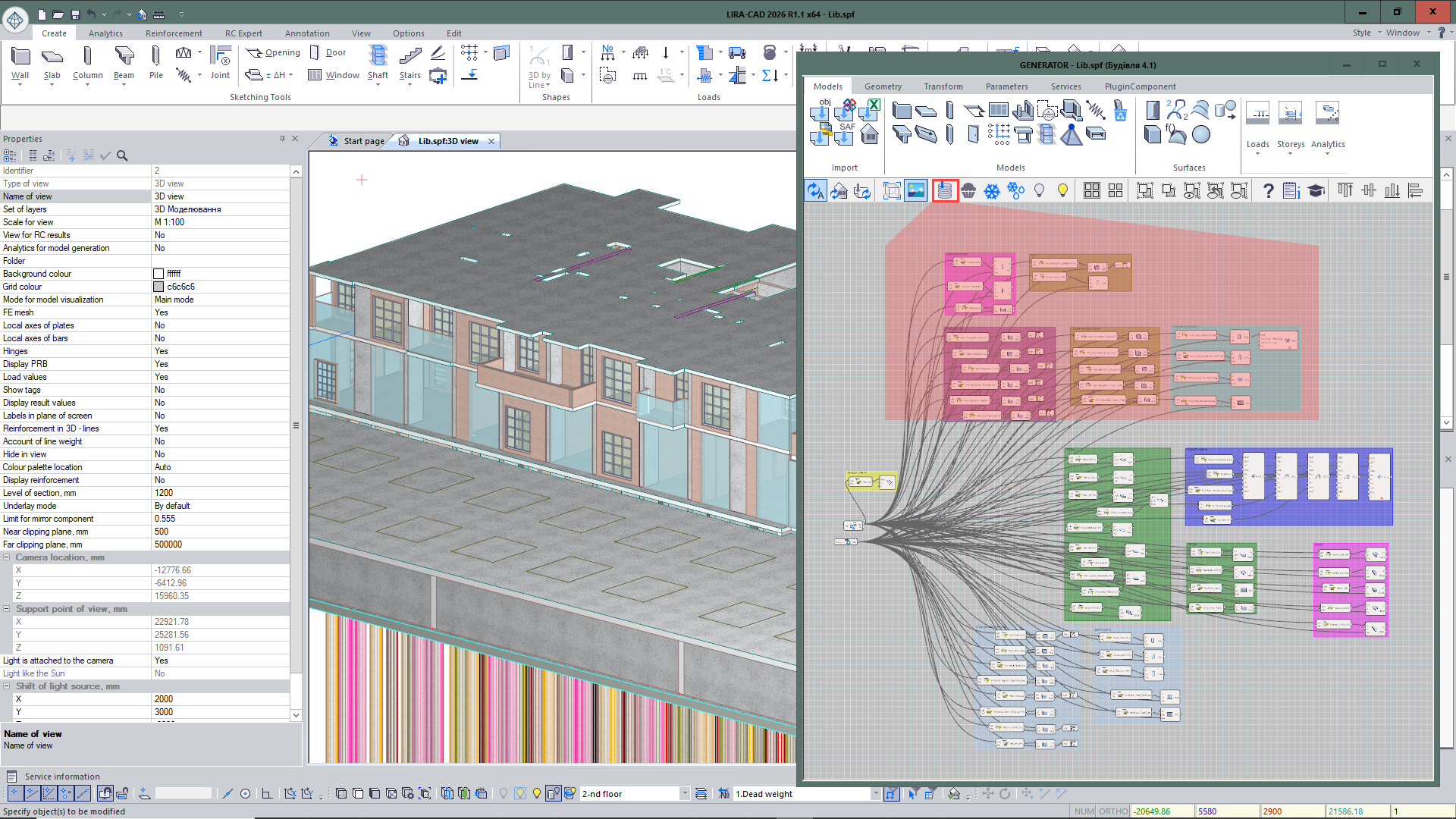
Created algorithms (sets of nodes) can be saved to a library and reused. For advanced users, a script editor is available — with it, you can create custom nodes and extend the system's functionality.
Evaluate the software
If you have any doubt, download the Demo version and evaluate the program or contact our Support Team for more details.